A better way to install new software within LisaGUI
LisaGUI is modeled after an interface where installing software meant inserting a floppy disk into your computer and manually dragging icons from the floppy's window to a hard disk's window. Making this the way you get new programs in a web OS was always going to be a bit clunky.
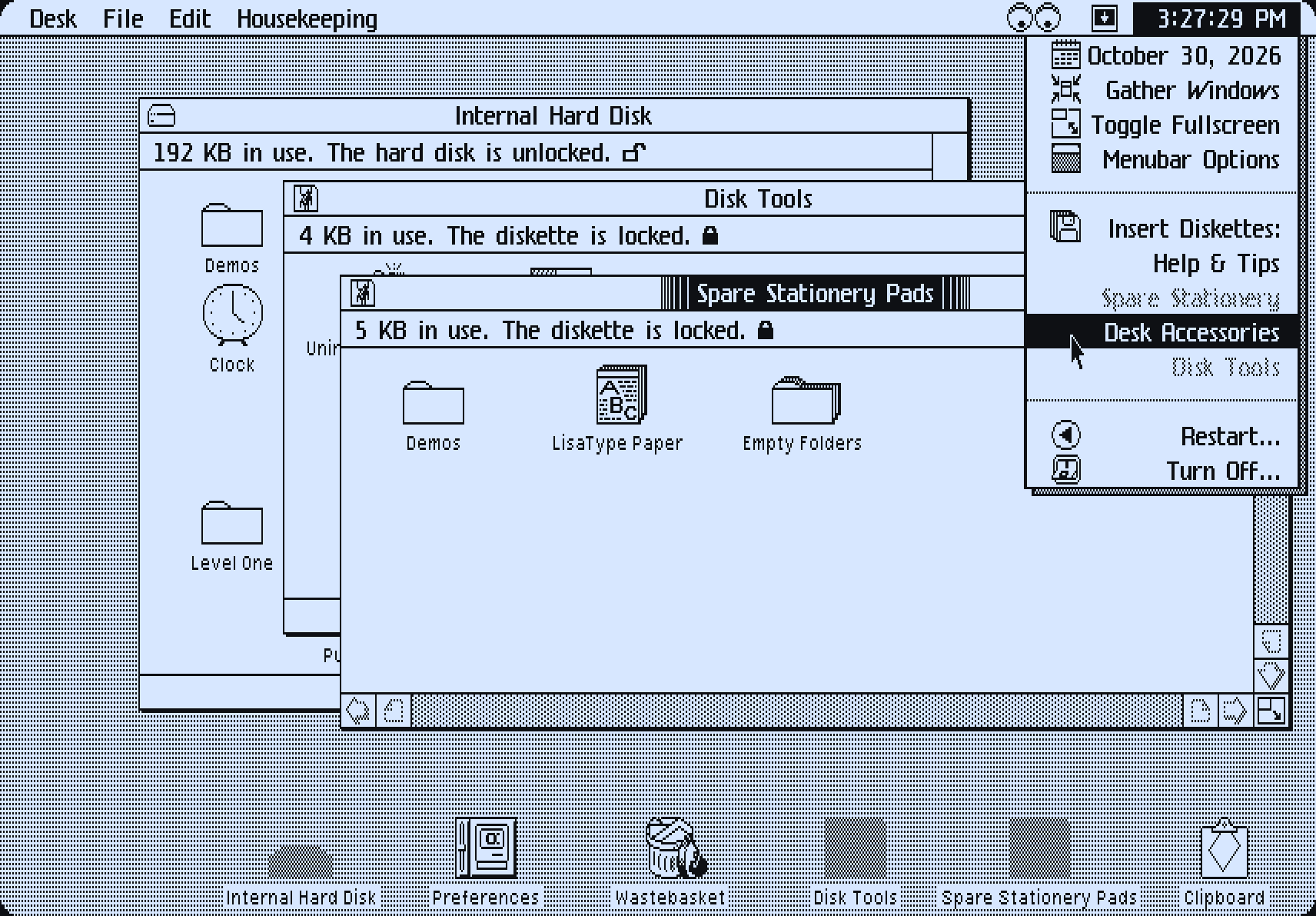
The current implementation, with "read-only" RAM disks, is not historically accurate. I made the disks read-only so you wouldn't be able to drag other documents into them; those files would be lost on a page reload. Making them writable and preserving the contents would avoid this issue. But it also means a user could delete all the files on all the extra disks... then they'd have no way to get new copies of that software, so we'd be stuck with the same problem. You would need a more detailed UI for managing the floppy disks, and a way to get new ones. This kicks that can down the road, and adds additional friction to the process.
There are much smarter ways we could go about this without forcing users to periodically check one of several disks for a piece of new software. The best way is to do it automatically, with a simple prompt to the user at startup letting them know there's something new:
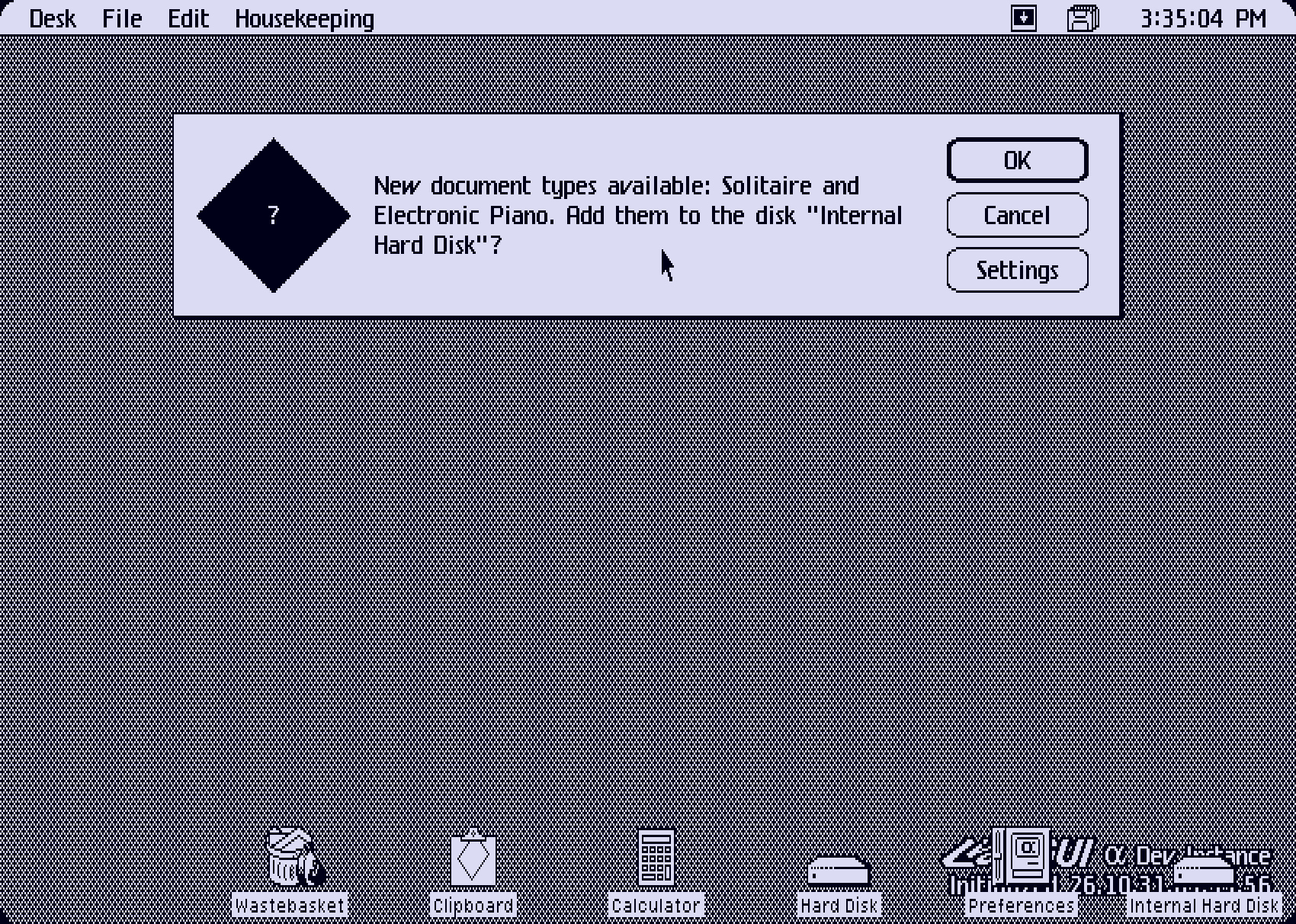
This system checks every file on every disk against a map of predetermined file type listings to see which ones you don't have. Each listing is mapped to a boolean which tells the system whether it represents new software which should be checked. Once you install software this way for the first time, that type of file is no longer checked at startup.
This solves the issue of distributing new software, but what about existing software? What if you want an extra copy of something? Suppose you deleted all the LisaType documents on the disk, and need an extra stationery pad to make more? A new menu option in the clock menu, "Get New Software," allows you to do this. The old floppy disk system is still there, but it's relegated to a new menu which is hidden by default.
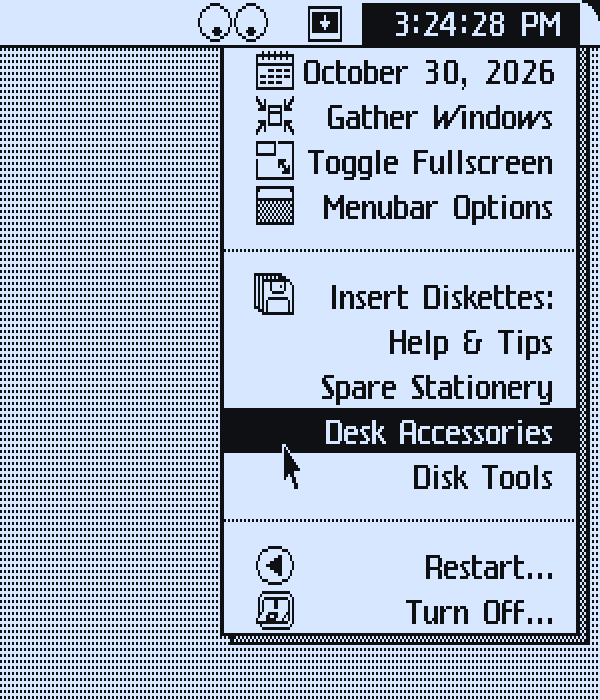
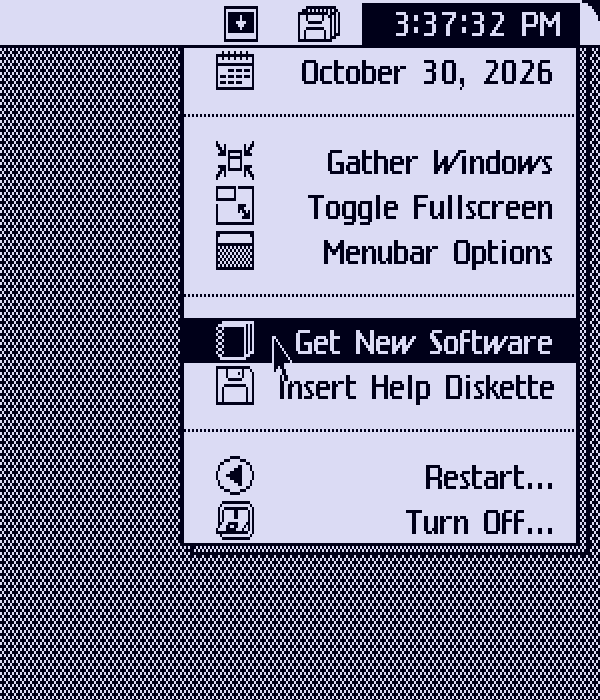
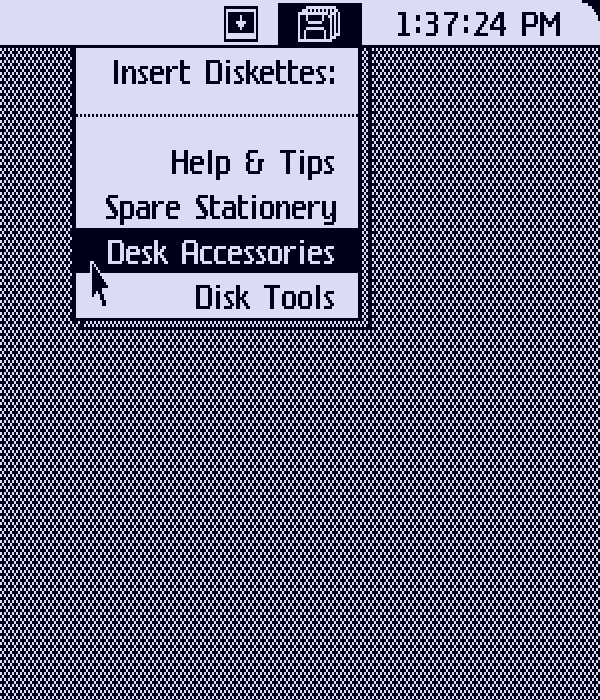
Left: The old clock menu. Center: the new clock menu. Right: The new disks menu.
Choosing "Get New Software" opens a new dialog system which walks you through the process:
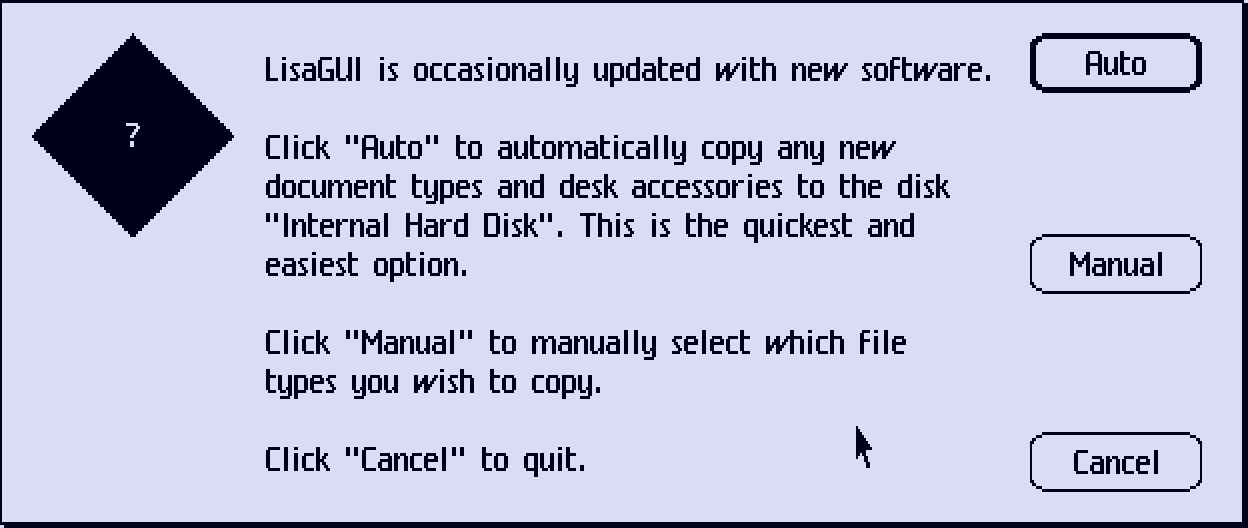
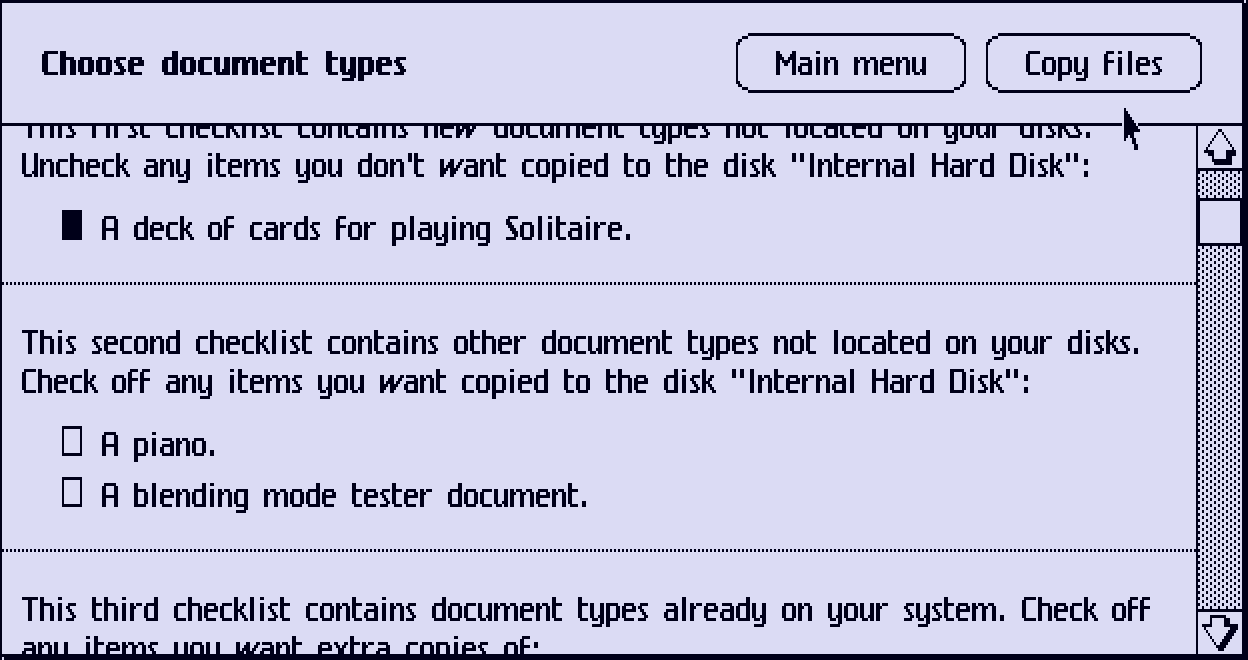
Automatic mode works exactly like the startup prompt, but manual mode is where you can actually select which items you want to copy. It gives up to three checklists listing:
- New software not located on your disk(s). The items in this list are selected by default.
- Existing software not located on your disk(s).
- Existing software you already have.
Naturally, clicking "Copy files" copies the selected items to the startup disk.
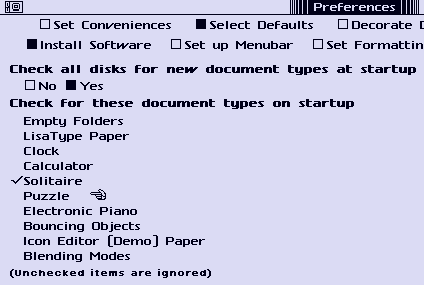
There is one more thing. Take, say, the Piano app I wrote for LisaGUI. Maybe you don't like Pianos. Maybe someone you know was crushed by a falling Piano. Whatever the reason is, you don't want a copy of the Piano app. Well, the dialog that appears when you first update LisaGUI has a third option, "Settings," aside from the usual OK and Cancel. This takes you directly to the new "Install Software" pane of the preferences application. Now, you can uncheck the "Electronic Piano" option and you'll never be asked about it again.